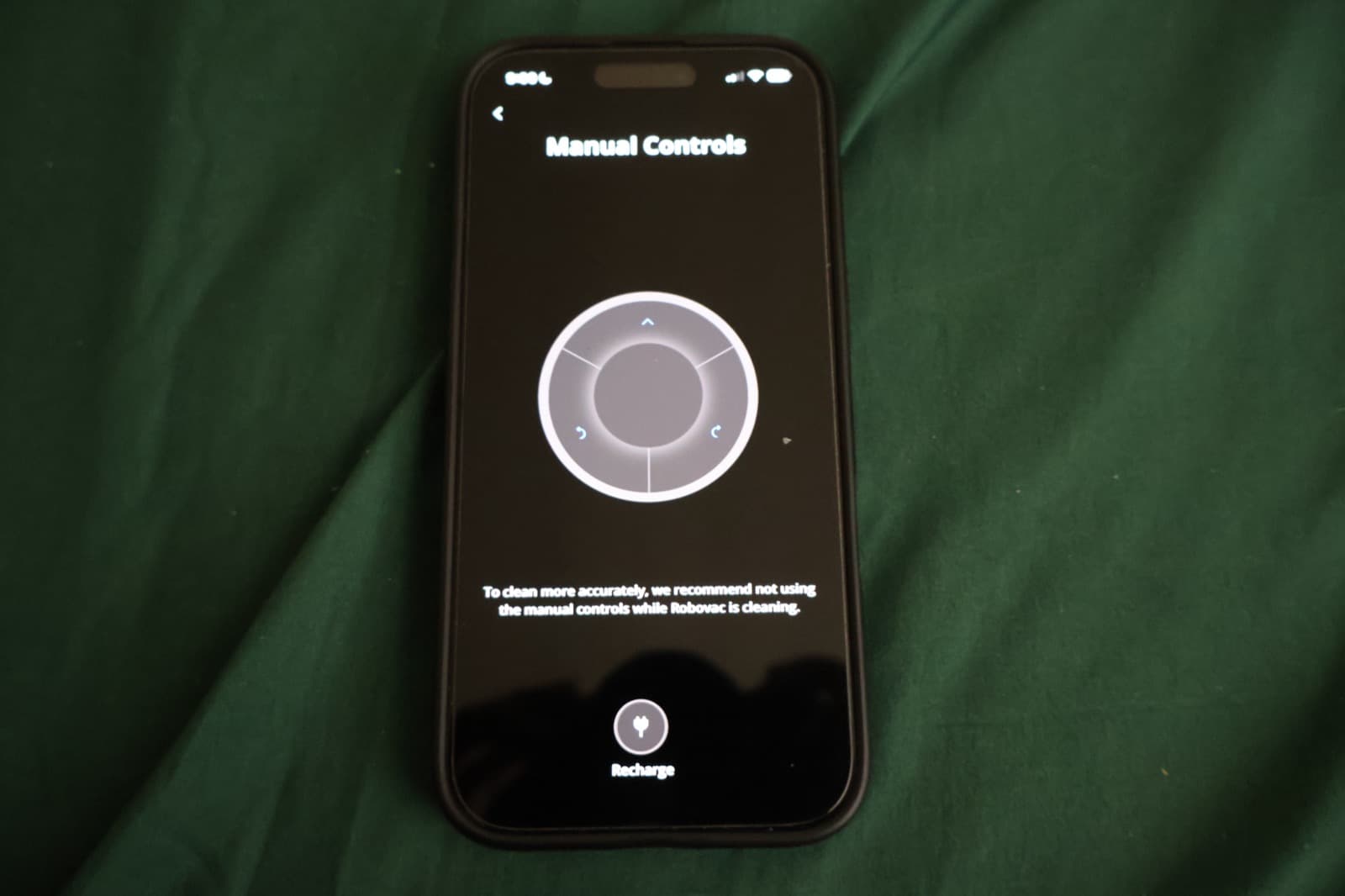
My robot vacuum's manual mode is a few buttons on a phone screen. Turning means stopping, lifting your finger, finding another button and starting again, all while staring at your phone instead of the vacuum. In May 2026 I built a bridge so I could drive it with a PlayStation or 8BitDo controller instead.
The bridge talks to the vacuum the same way the official app does, so I didn't have to modify the vacuum at all. Most of the work was figuring out what the vacuum actually expects, because when it doesn't like something, it just ignores it without saying anything.
How the bridge talks to the vacuum
I could have hacked the vacuum itself, but it's a device I use every day, so I chose to go through the same online connection the official app uses. That meant more work figuring out the app's messages, but nothing permanent on the vacuum.
Driving turned out to be a short routine: tell the vacuum to enter manual mode, wait a moment, send a direction many times a second, and tell it to stop when you're done. Every message also has to carry a number that goes up each time. If you repeat a number, the vacuum assumes it's a duplicate and quietly ignores it.
Why the vacuum entered remote mode and didn't move
I first built the messages based on what the app's code suggested. The vacuum confirmed it had switched into manual mode, so the connection clearly worked, and then the wheels didn't move. No error, nothing.
To figure it out, I recorded the messages the real app sends and compared them with mine. The direction message turned out to need a different, simpler format than everything else, and the vacuum silently ignored anything else. Nothing in the app's code said so.
Direction message format
Message counter
Reported state
REMOTE_CTRLWheels
Still: wrong message format ignored
The reported state is the same in every case. Only the wheels show whether the command worked.
The lesson I took from it: when a device fails without telling you, don't trust documentation, trust what the working app actually sends.
Smooth turns from four directions
The vacuum only understands a few commands: forward, back, left, right and stop. A joystick can point anywhere in between. To get smooth curves instead of stop-and-turn driving, the bridge mixes forward and turn commands in quick succession, more turning the further you push the stick. The vacuum's own momentum blends them into a curve, the same way a light switched on and off fast enough looks dimmed.
One 50 ms tick, four slots
2 of 4 slots turn, so the vacuum curves while moving forward.
The bridge rounds the stick to four slots per tick, the vacuum only accepts single directions, and its inertia blends them into an arc.
Stopping got the most attention. A vacuum that keeps driving forward after the controller disconnects is worse than no bridge at all, so the bridge constantly checks that the controller is still there and always leaves the vacuum stopped when it shuts down.